Freight Broker TMS UIUX
Freight Broker TMS UIUX
Reimagining the Freight Broker TMS Platform
Reimagining the Freight Broker TMS Platform
COMPANY
ZUUM APP
ZUUM APP
ROLE
Product Designer
Product Designer
TOOLS
Figma
Figma
YEAR
8 months
8 months
KEY RESULT
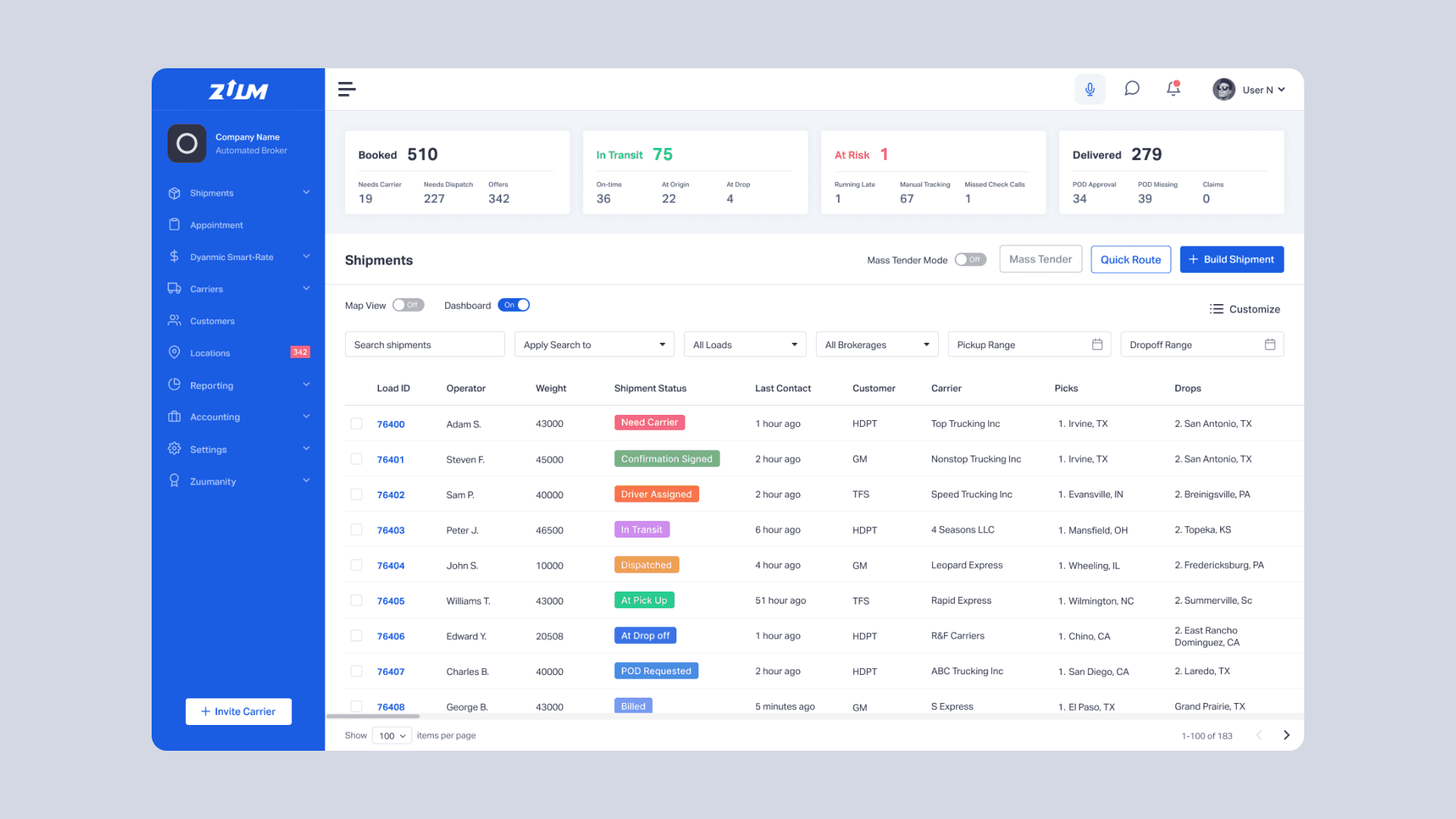
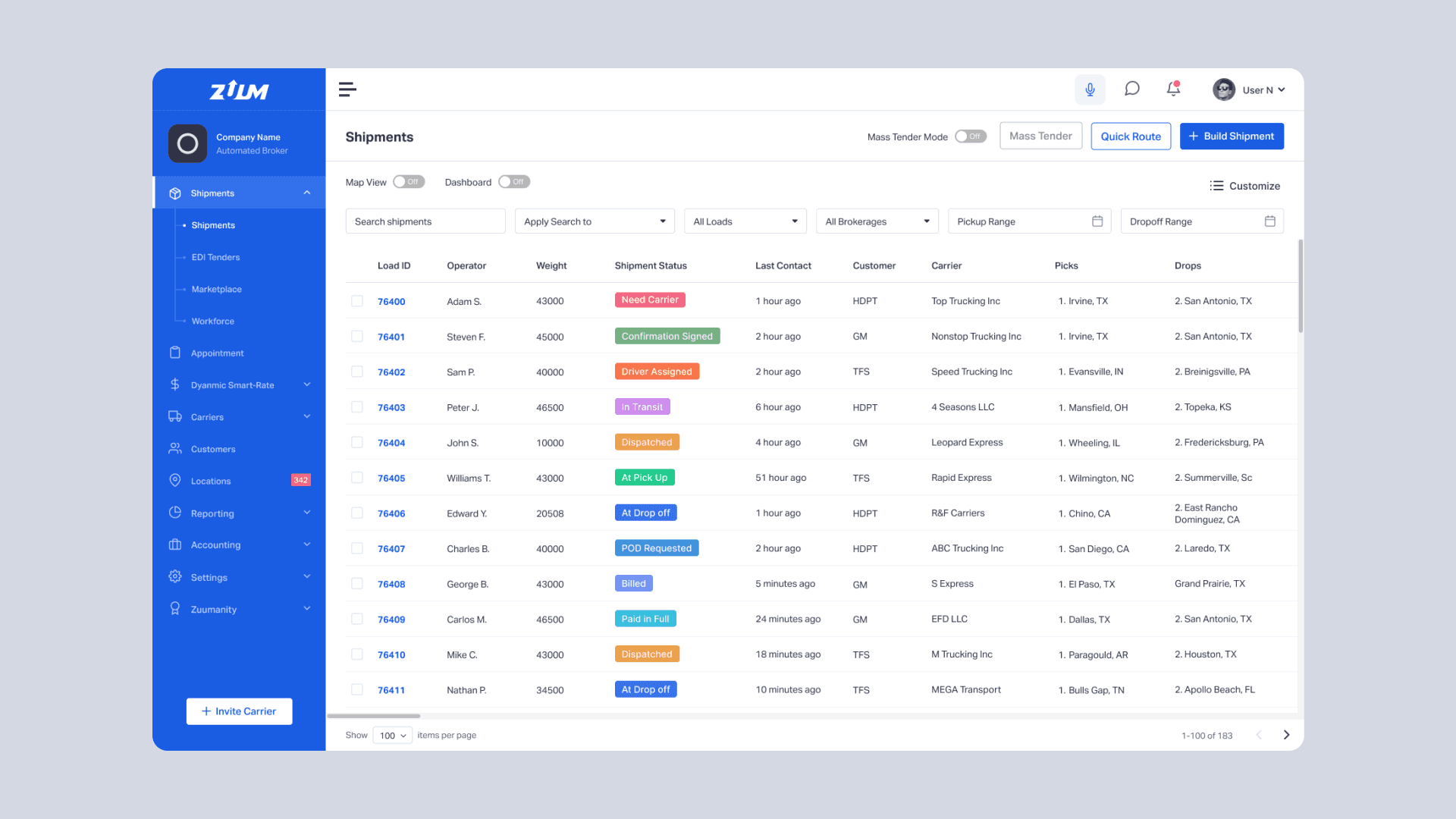
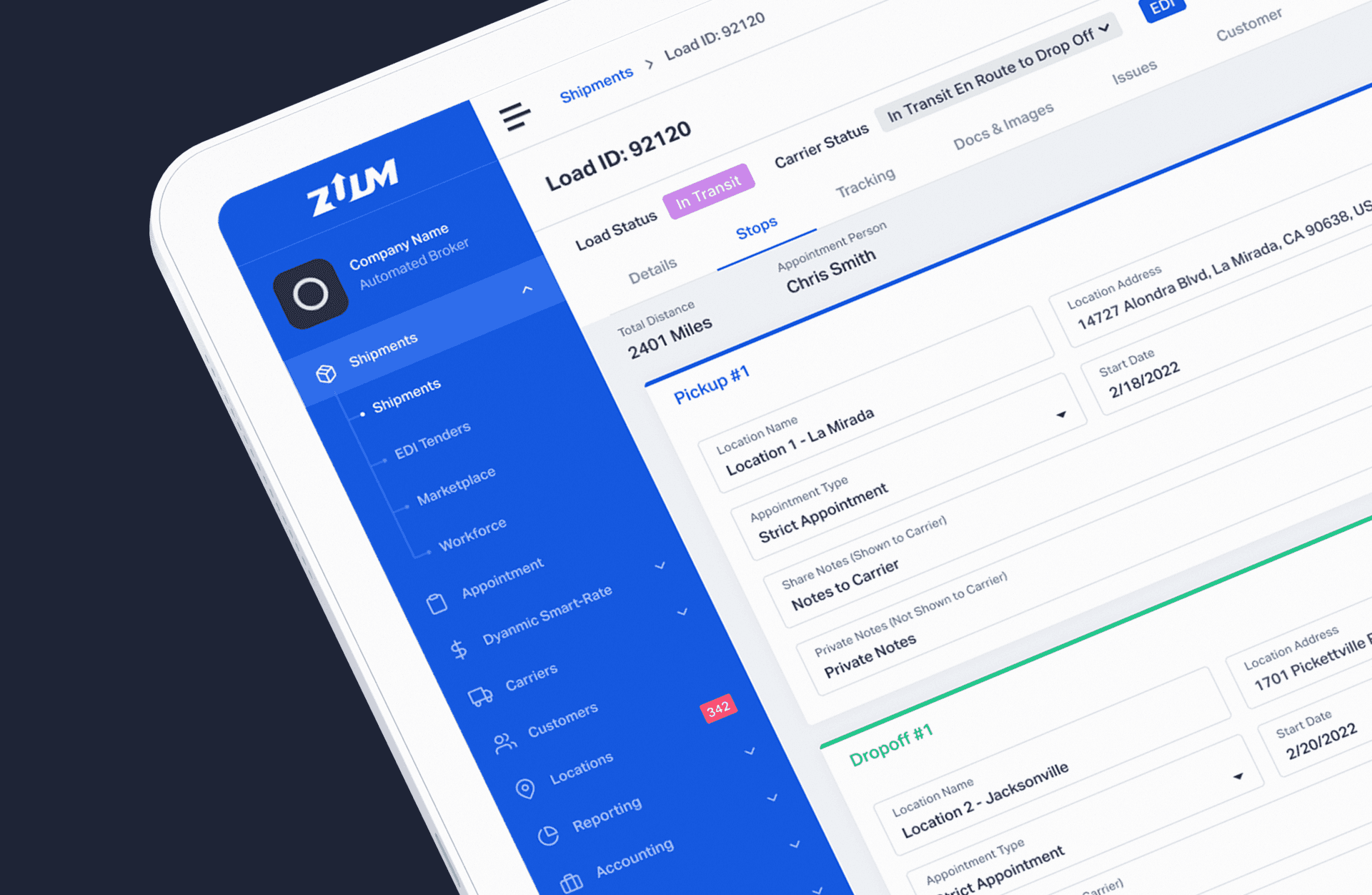
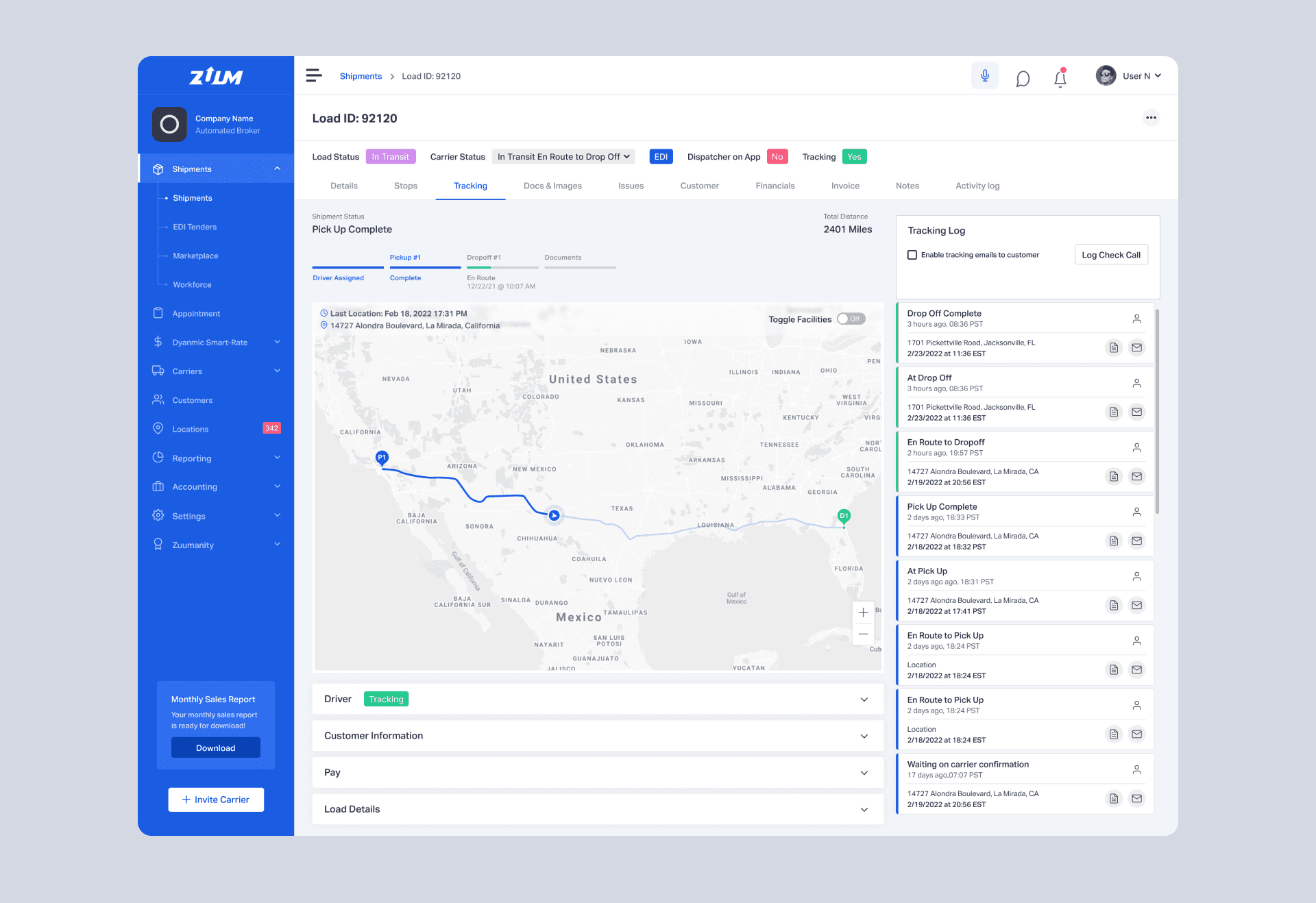
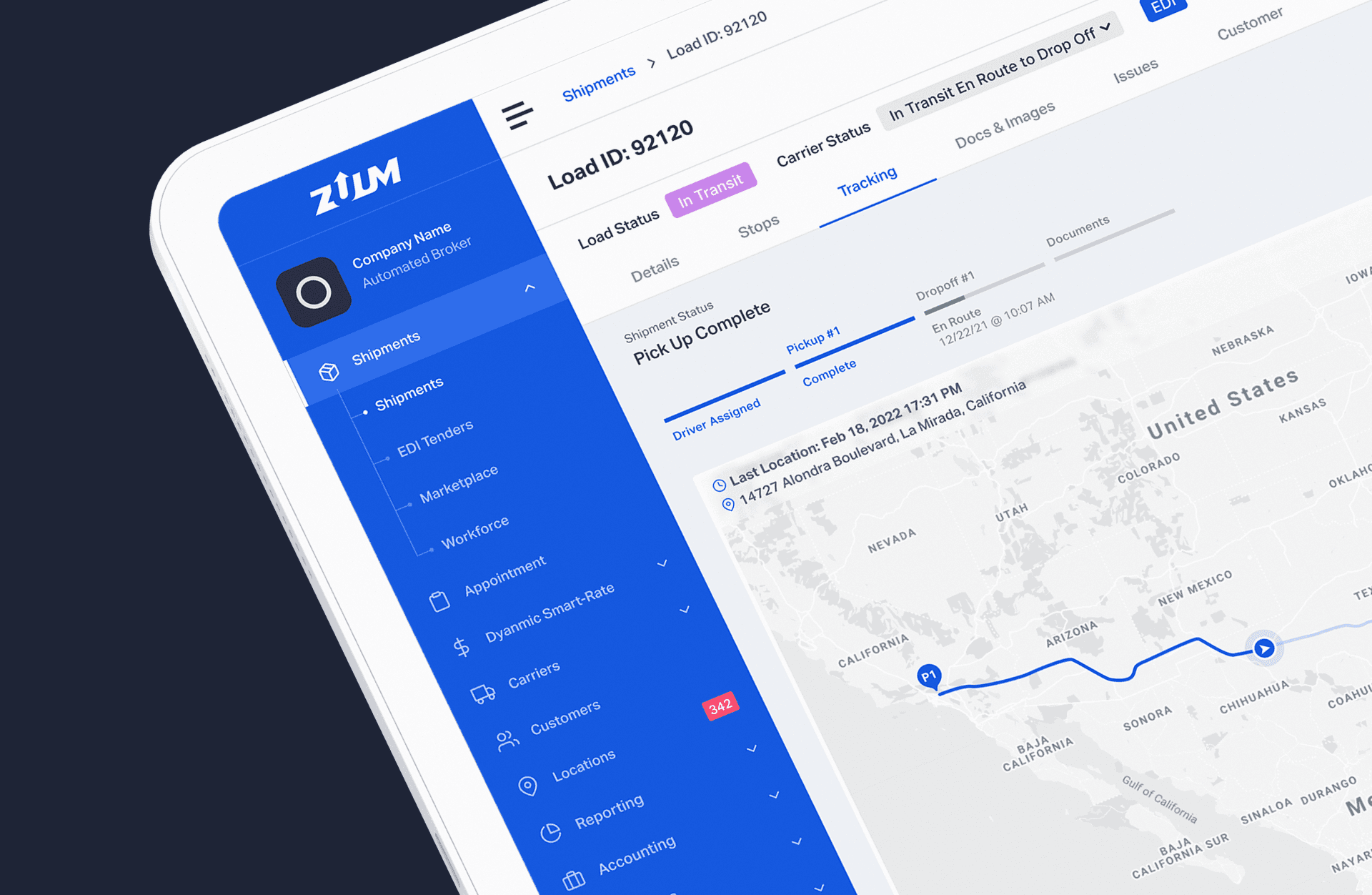
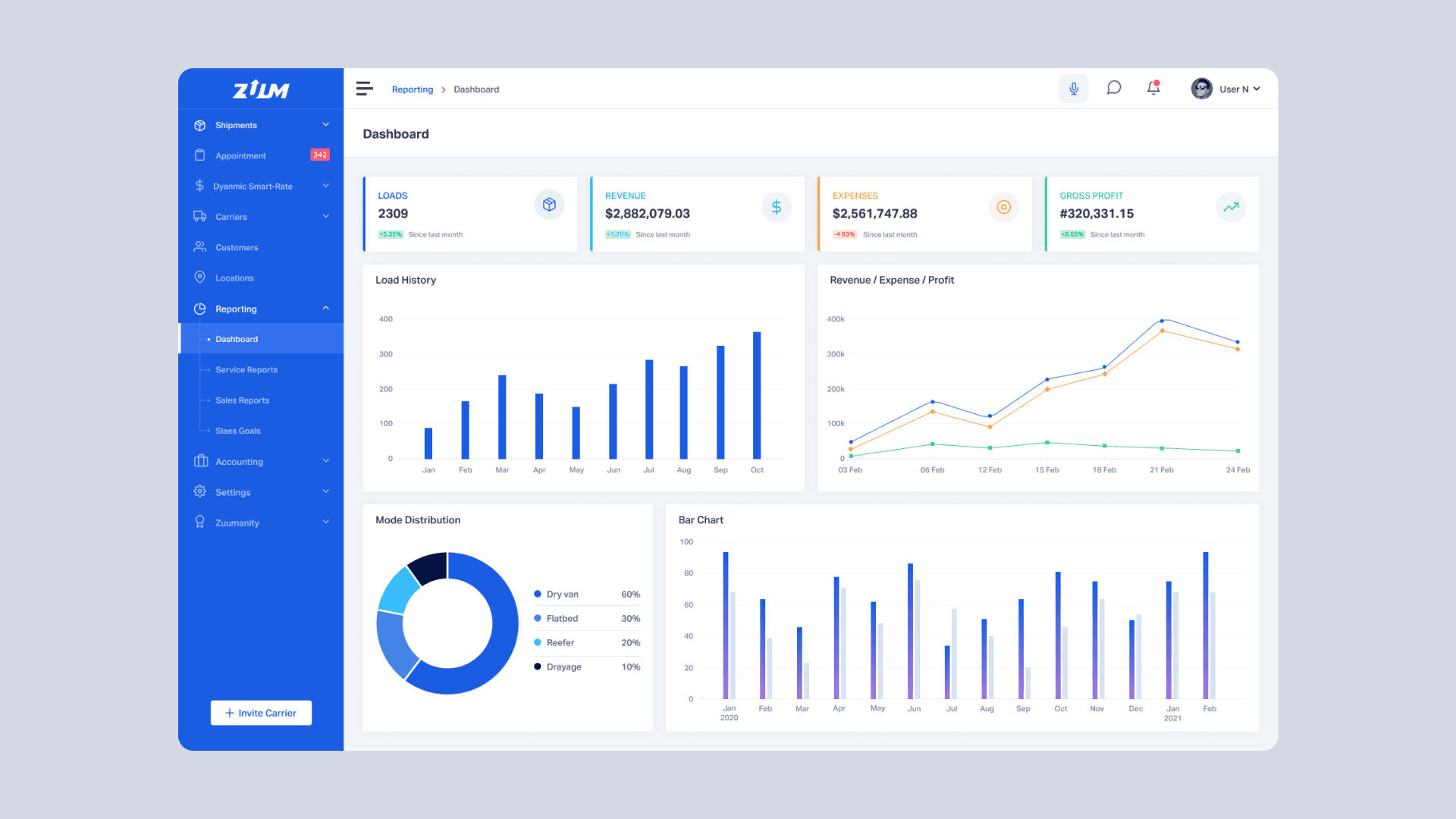
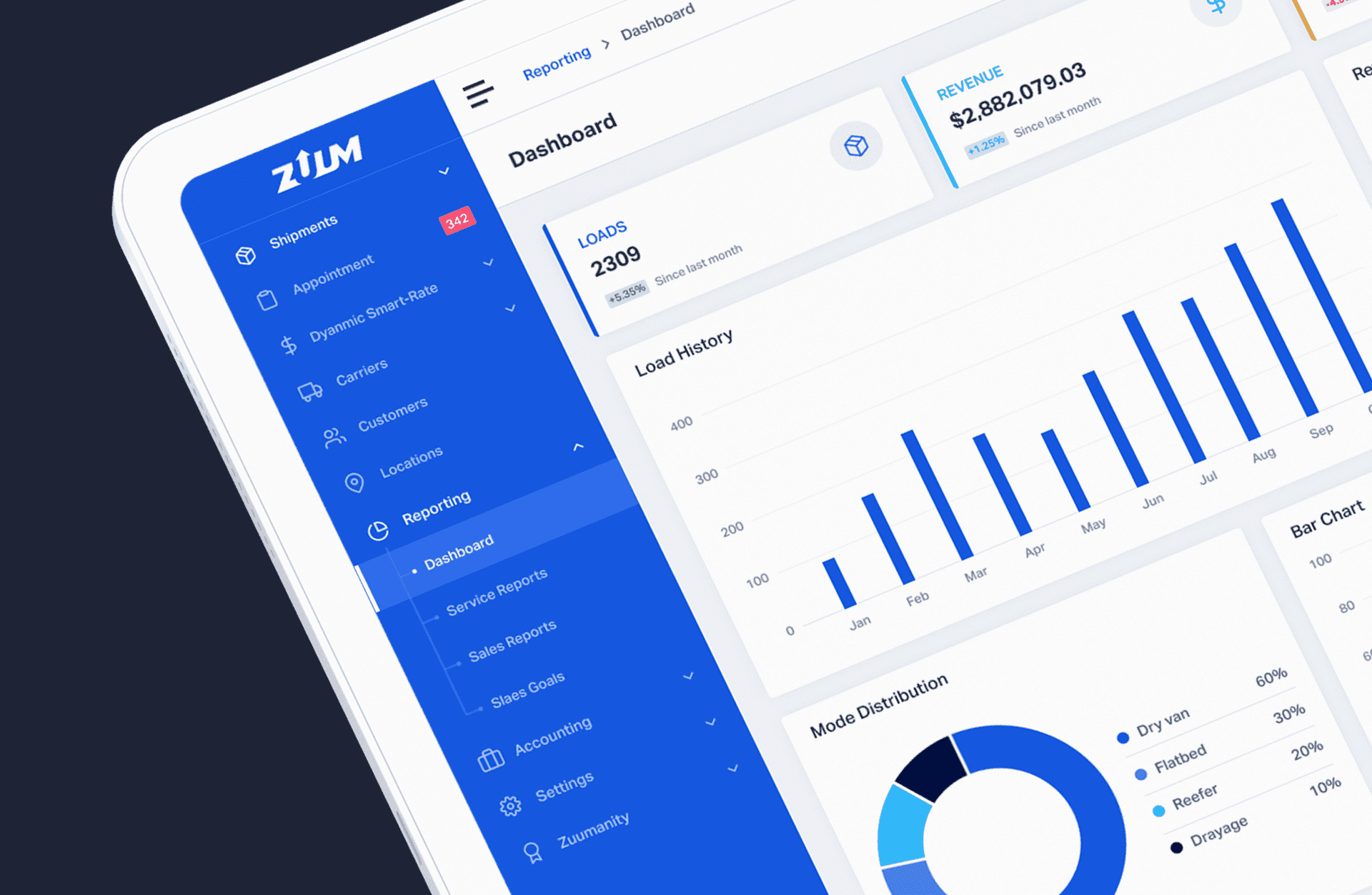
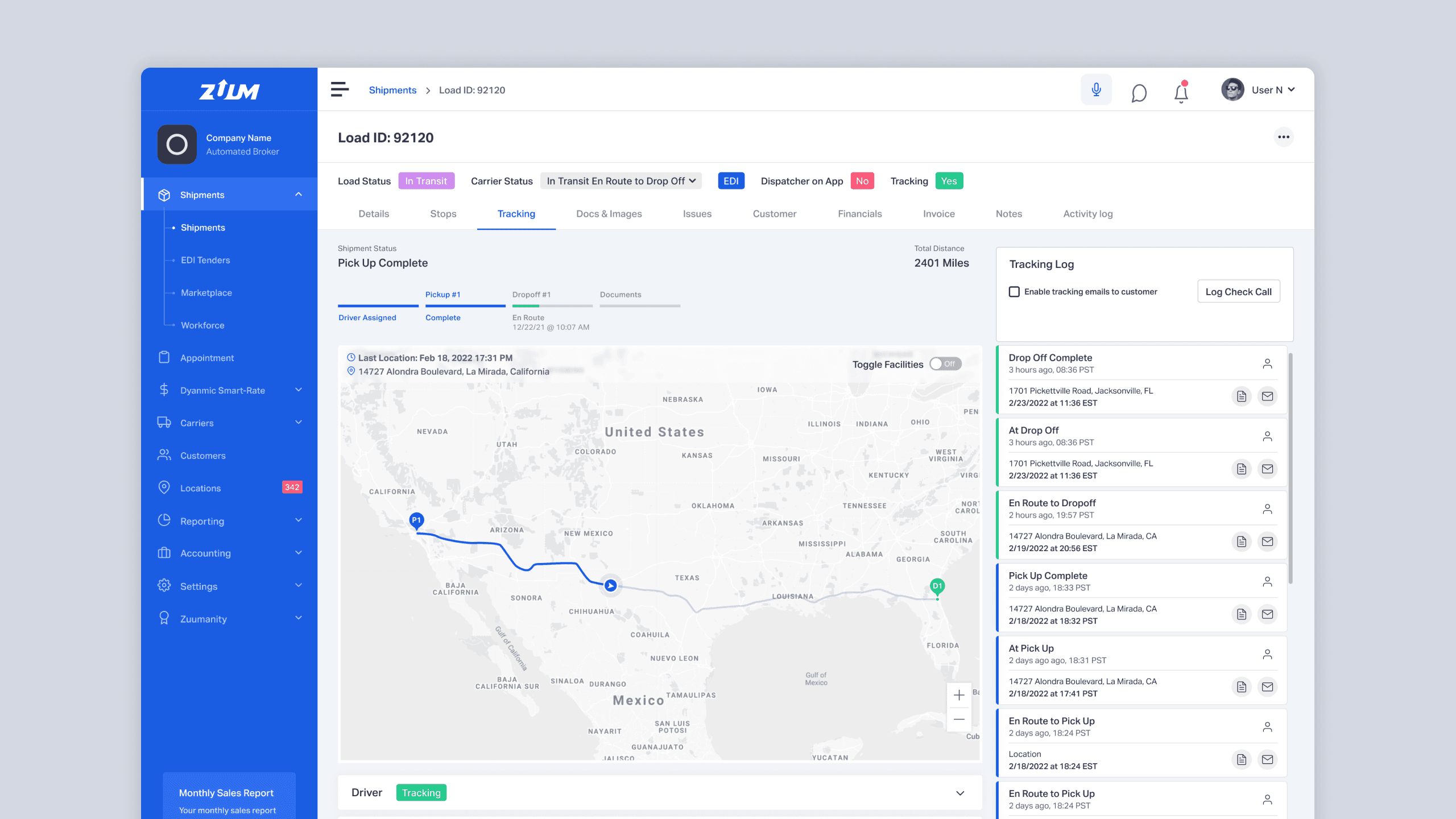
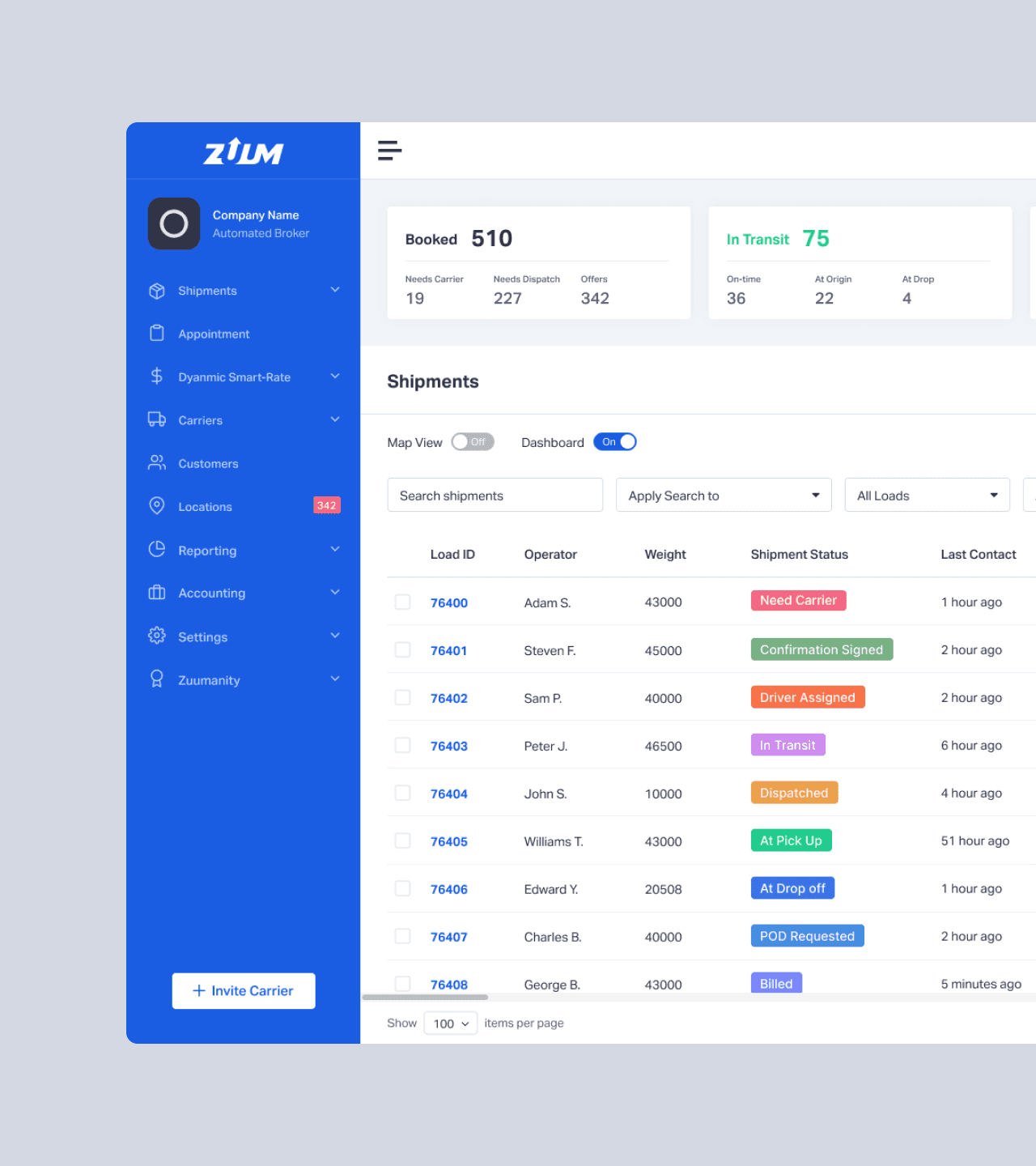
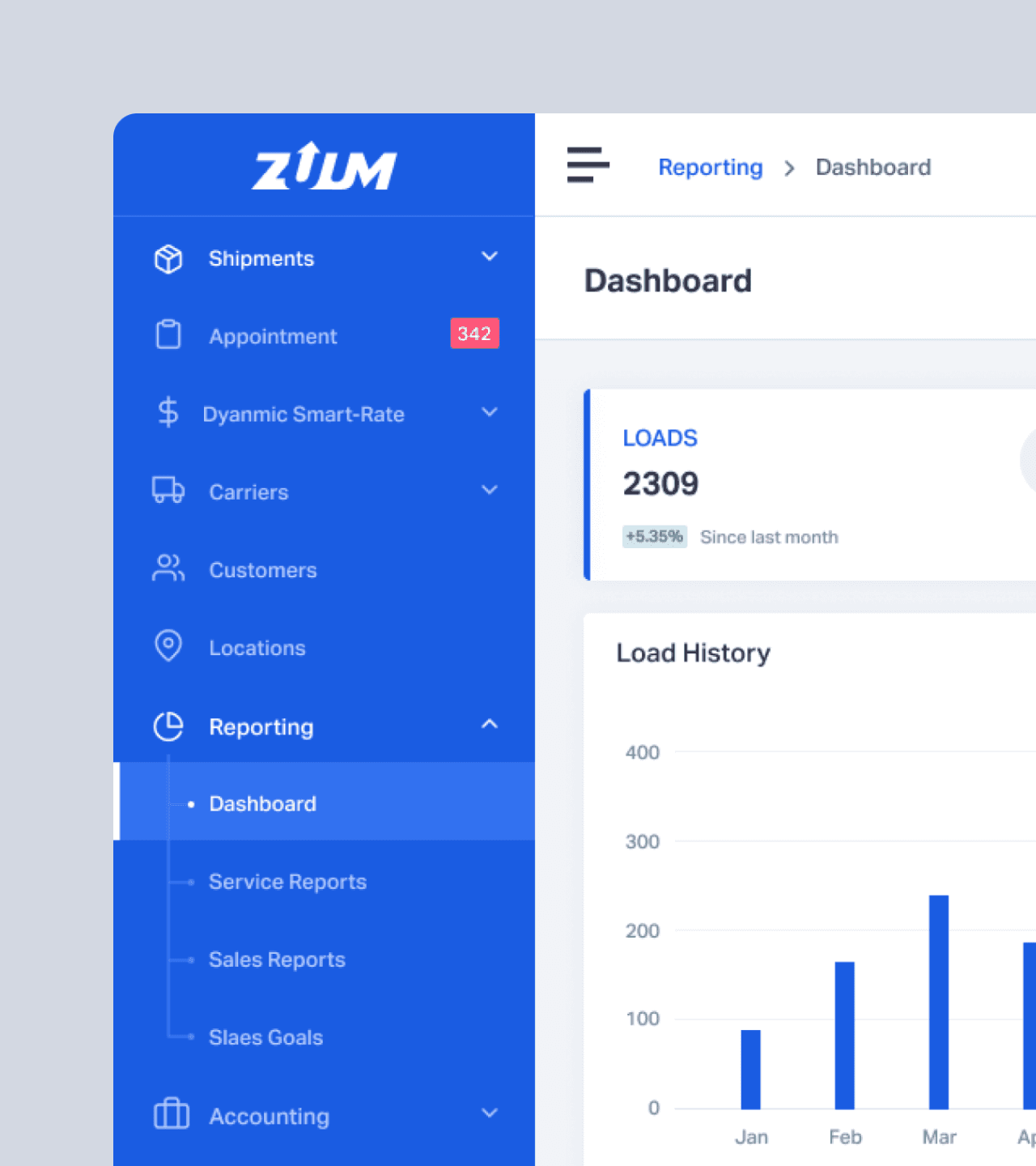
The redesign replaced a cluttered interface with a modular, grid-aligned system that reduces cognitive load through clear shipment categories and user-controlled data views, making it easier for operators to spot critical updates and manage high-volume logistics with greater speed and precision.
The redesign replaced a cluttered interface with a modular, grid-aligned system that reduces cognitive load through clear shipment categories and user-controlled data views, making it easier for operators to spot critical updates and manage high-volume logistics with greater speed and precision.
01
Overview
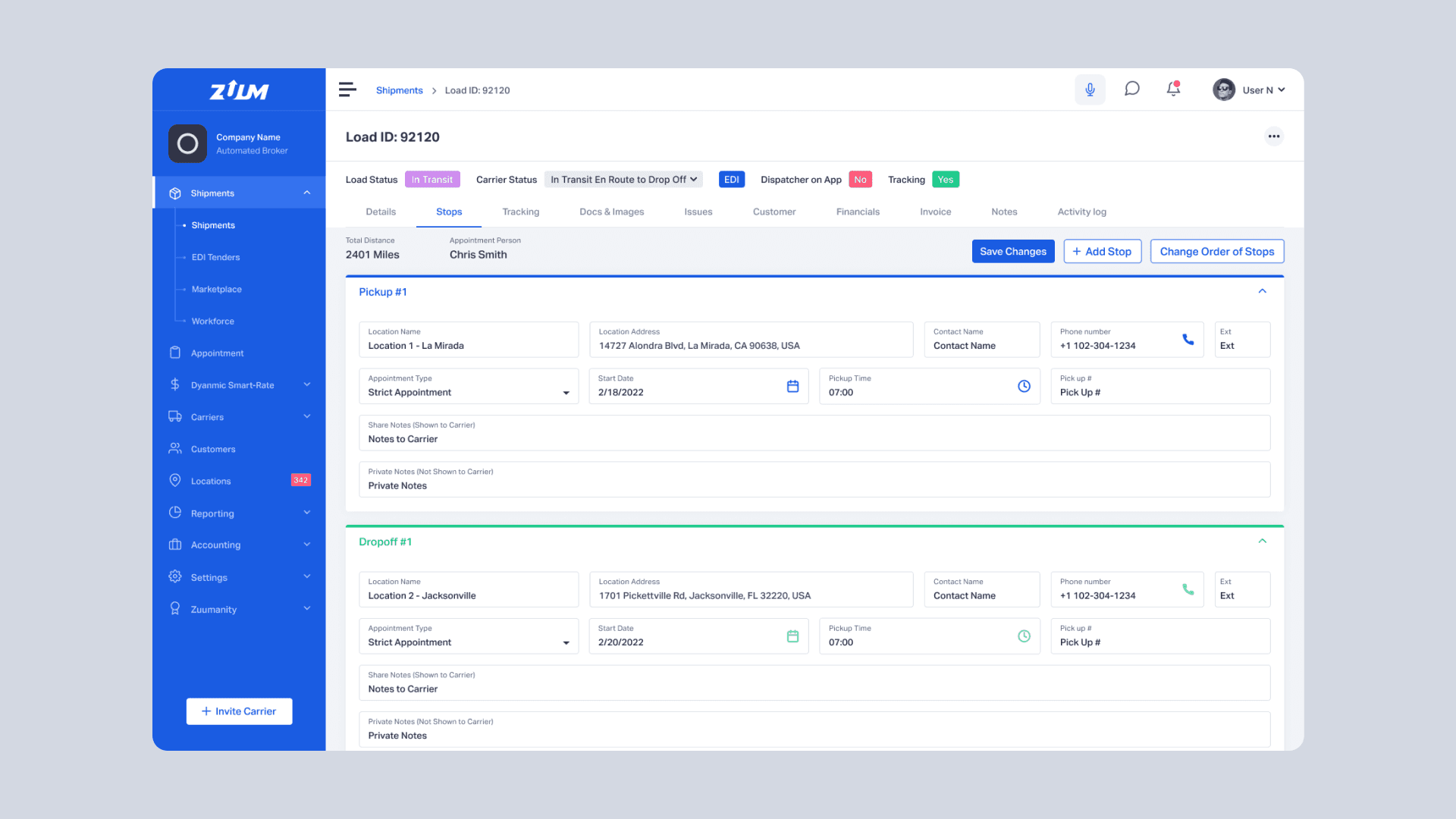
This project focuses on redesigning the Freight Broker TMS to improve usability in a fast-paced, data-heavy environment. The existing experience was cluttered and difficult to navigate, making it harder for operators to manage shipments efficiently. I led the effort to restructure the interface into a more modular, grid-based system, with clearer hierarchy and better organization of shipment data.
This project focuses on redesigning the Freight Broker TMS to improve usability in a fast-paced, data-heavy environment. The existing experience was cluttered and difficult to navigate, making it harder for operators to manage shipments efficiently. I led the effort to restructure the interface into a more modular, grid-based system, with clearer hierarchy and better organization of shipment data.
02
Challenge
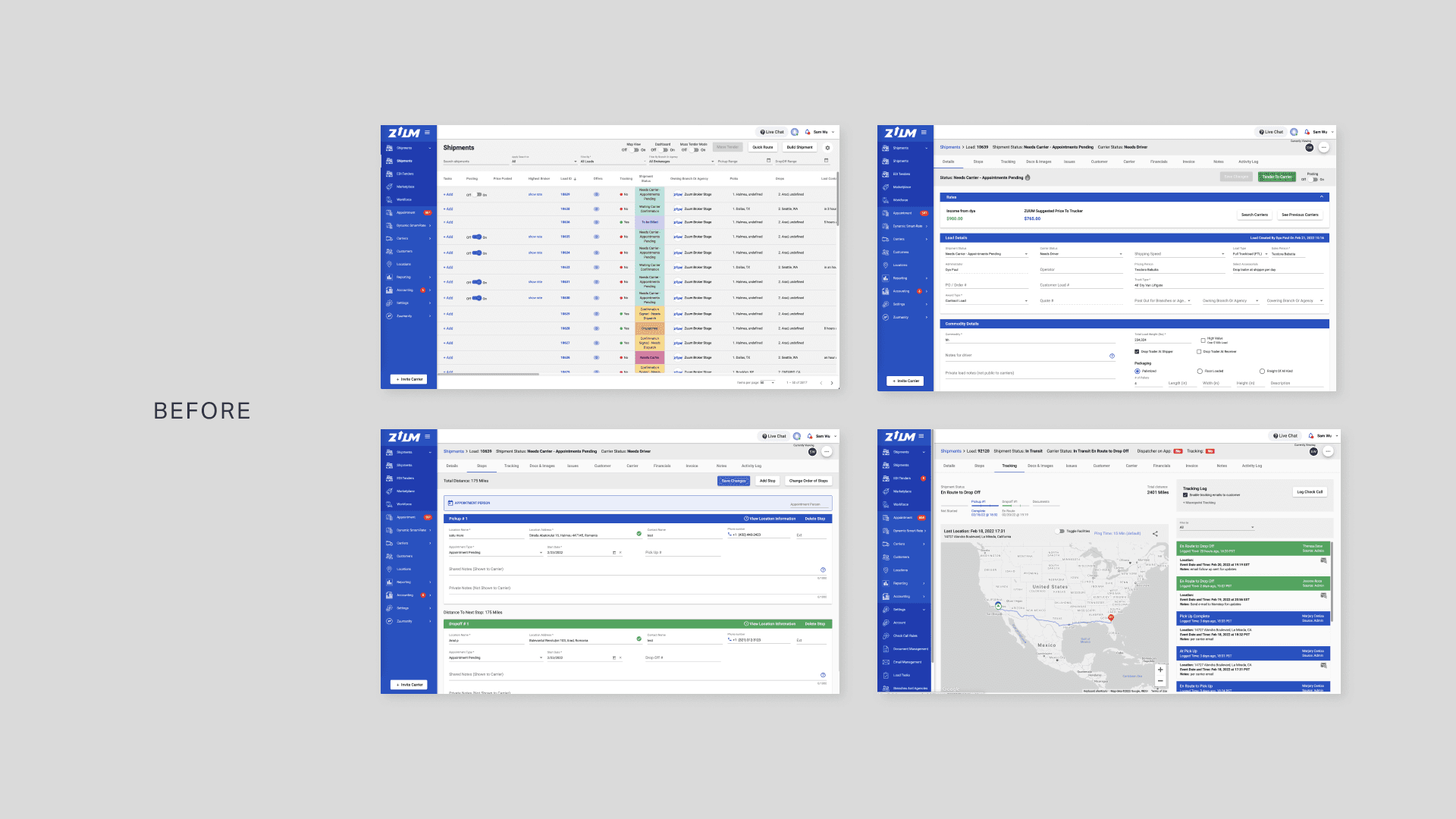
When I first audited our logistics dashboard, the biggest hurdle wasn't a lack of information—it was an overload of it. Our operators were drowning in a "sea of statuses" where every minor update carried the same visual weight. This density created a massive cognitive load, making it far too easy to miss a critical delay or a high-priority shipment. The interface lacked a consistent grid and interactive feedback, making the experience feel static and fragmented for a team that needs to move fast.
When I first audited our logistics dashboard, the biggest hurdle wasn't a lack of information—it was an overload of it. Our operators were drowning in a "sea of statuses" where every minor update carried the same visual weight. This density created a massive cognitive load, making it far too easy to miss a critical delay or a high-priority shipment. The interface lacked a consistent grid and interactive feedback, making the experience feel static and fragmented for a team that needs to move fast.
03
Objective
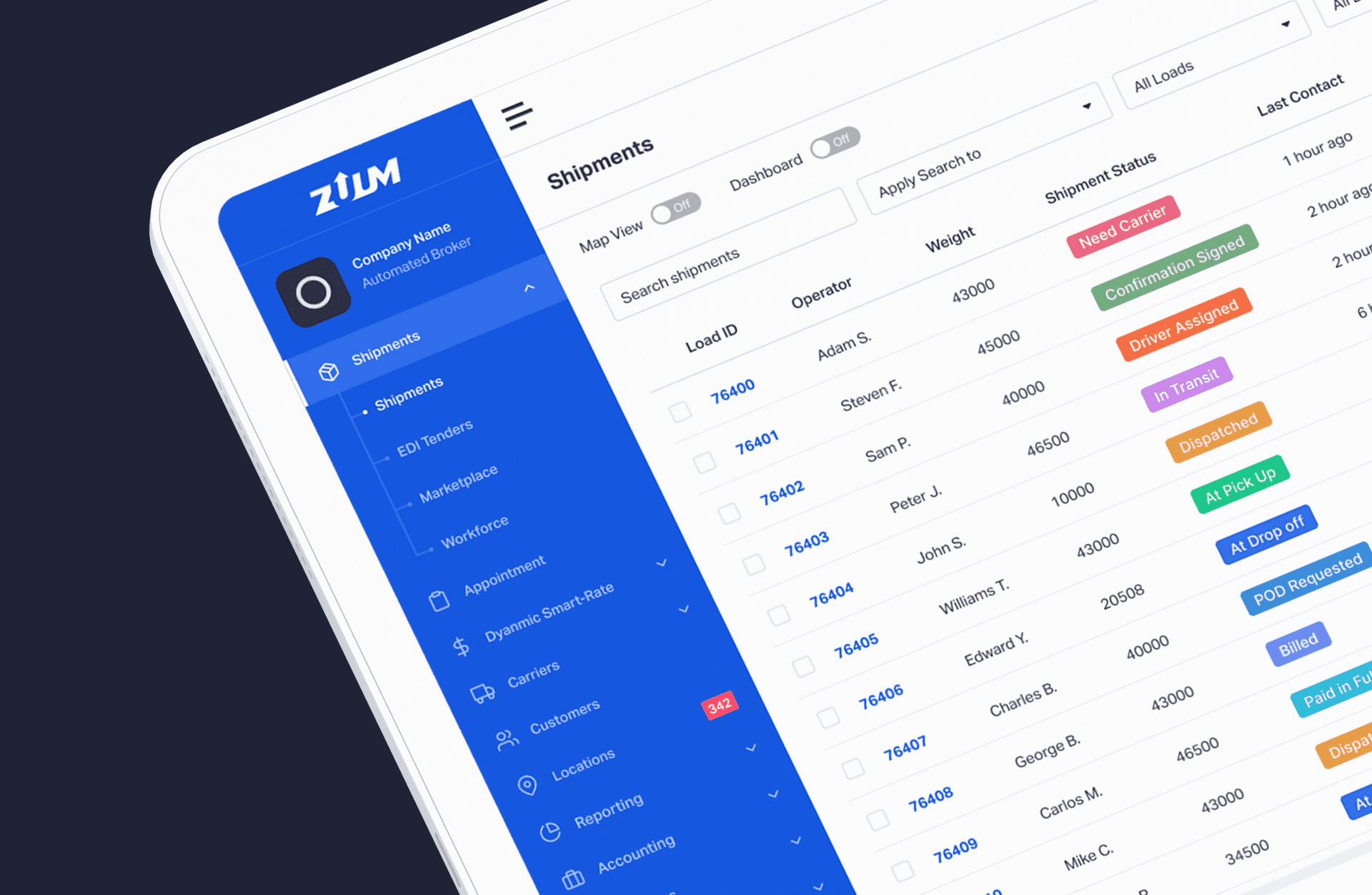
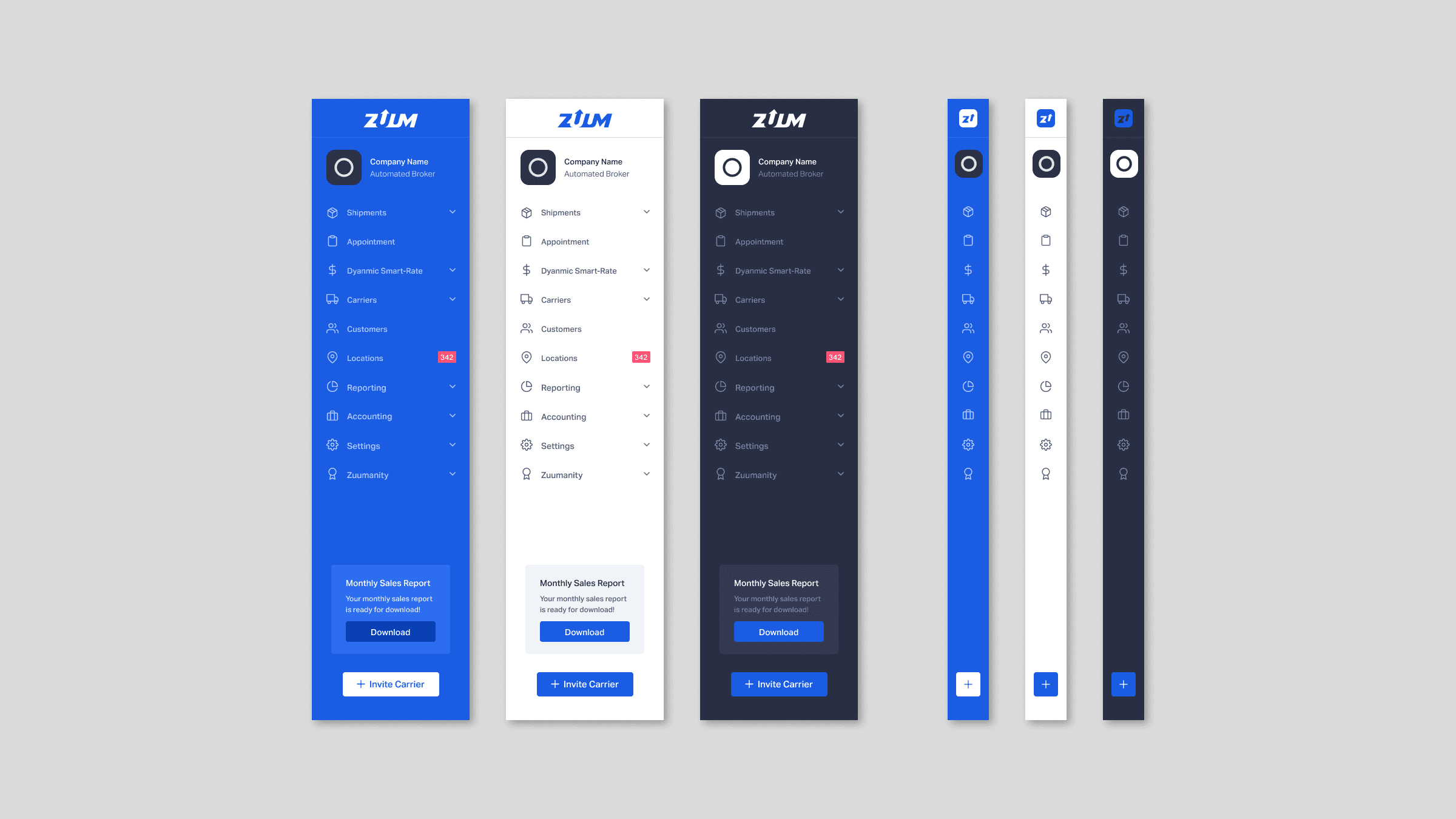
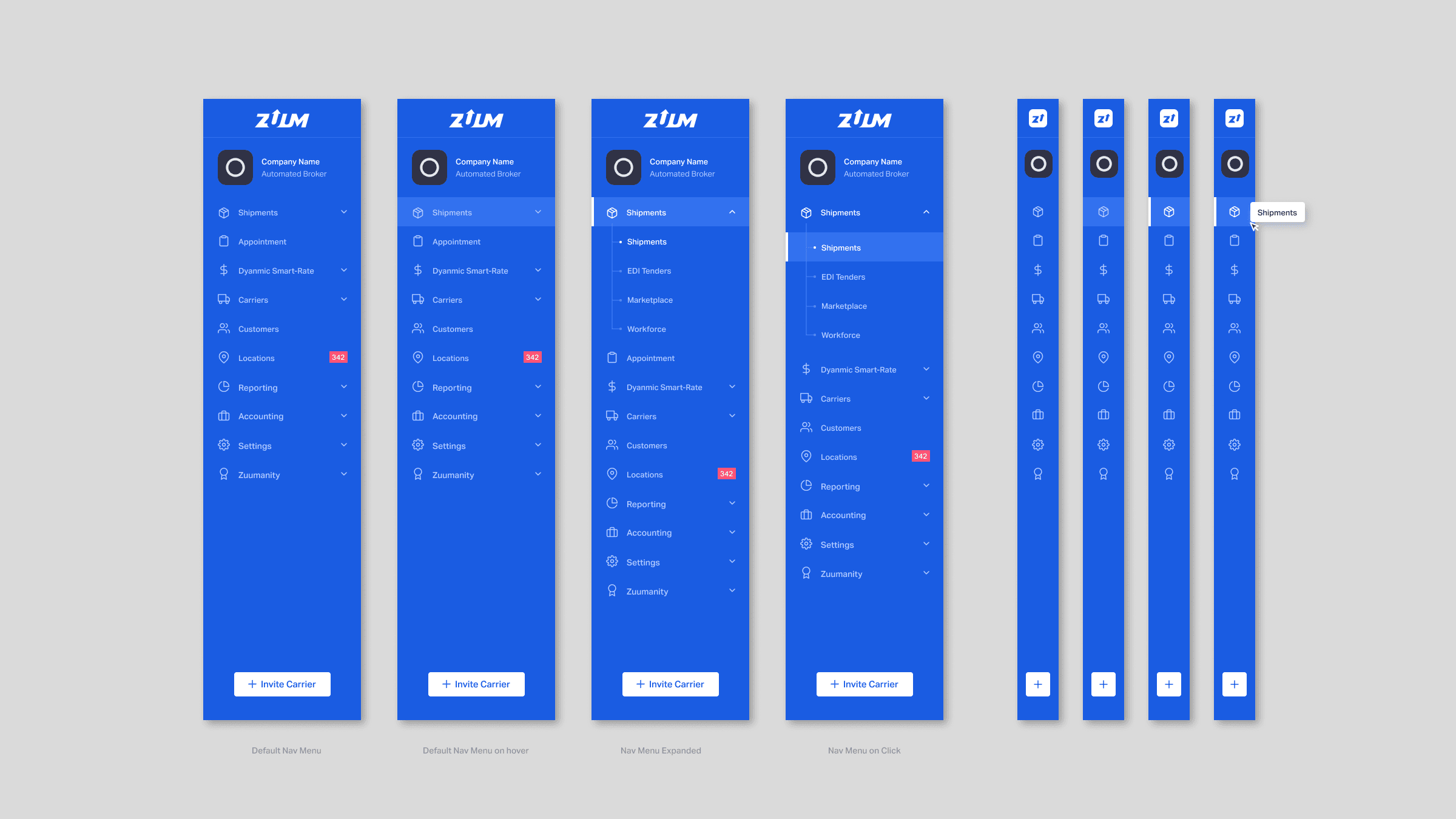
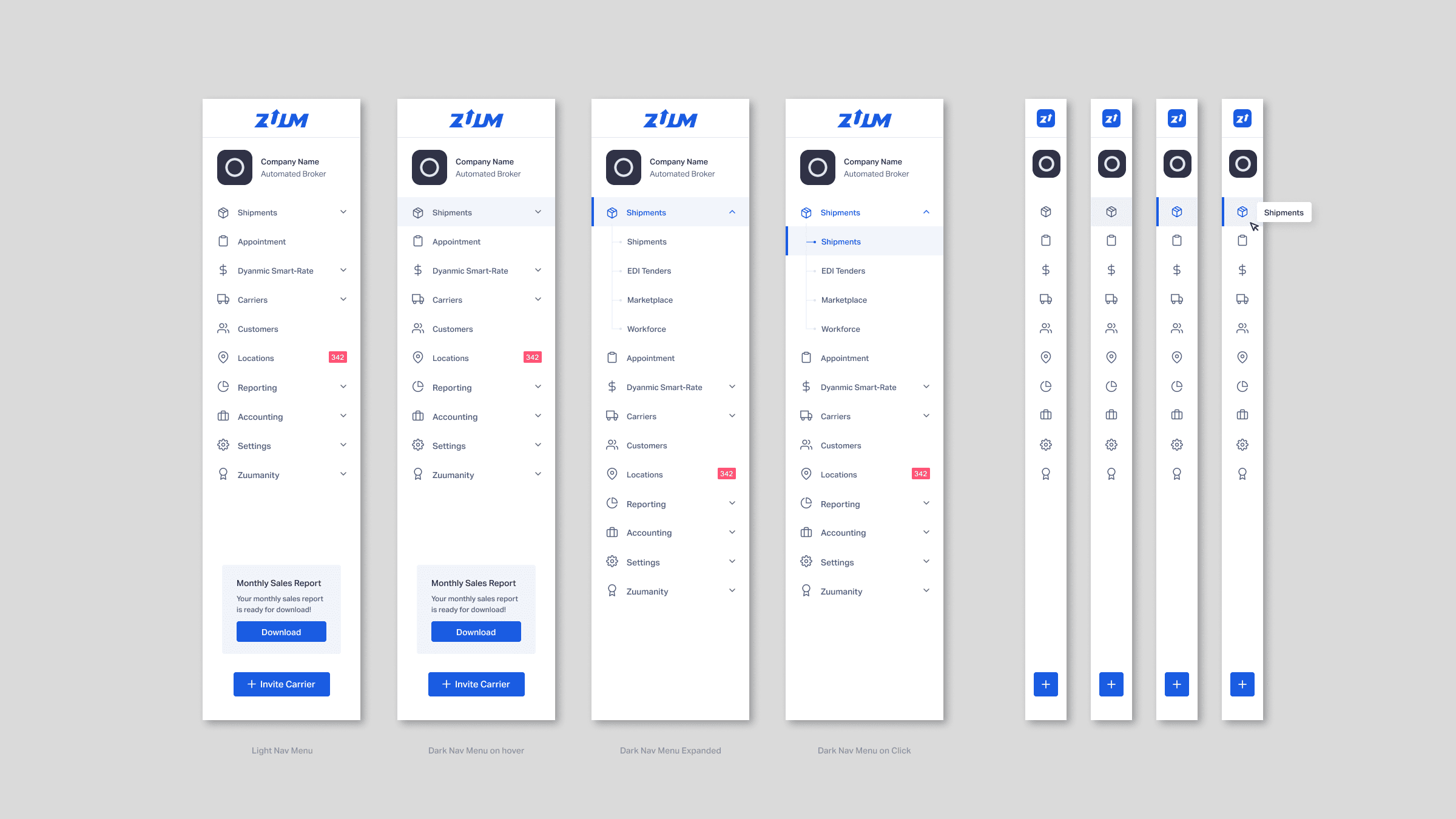
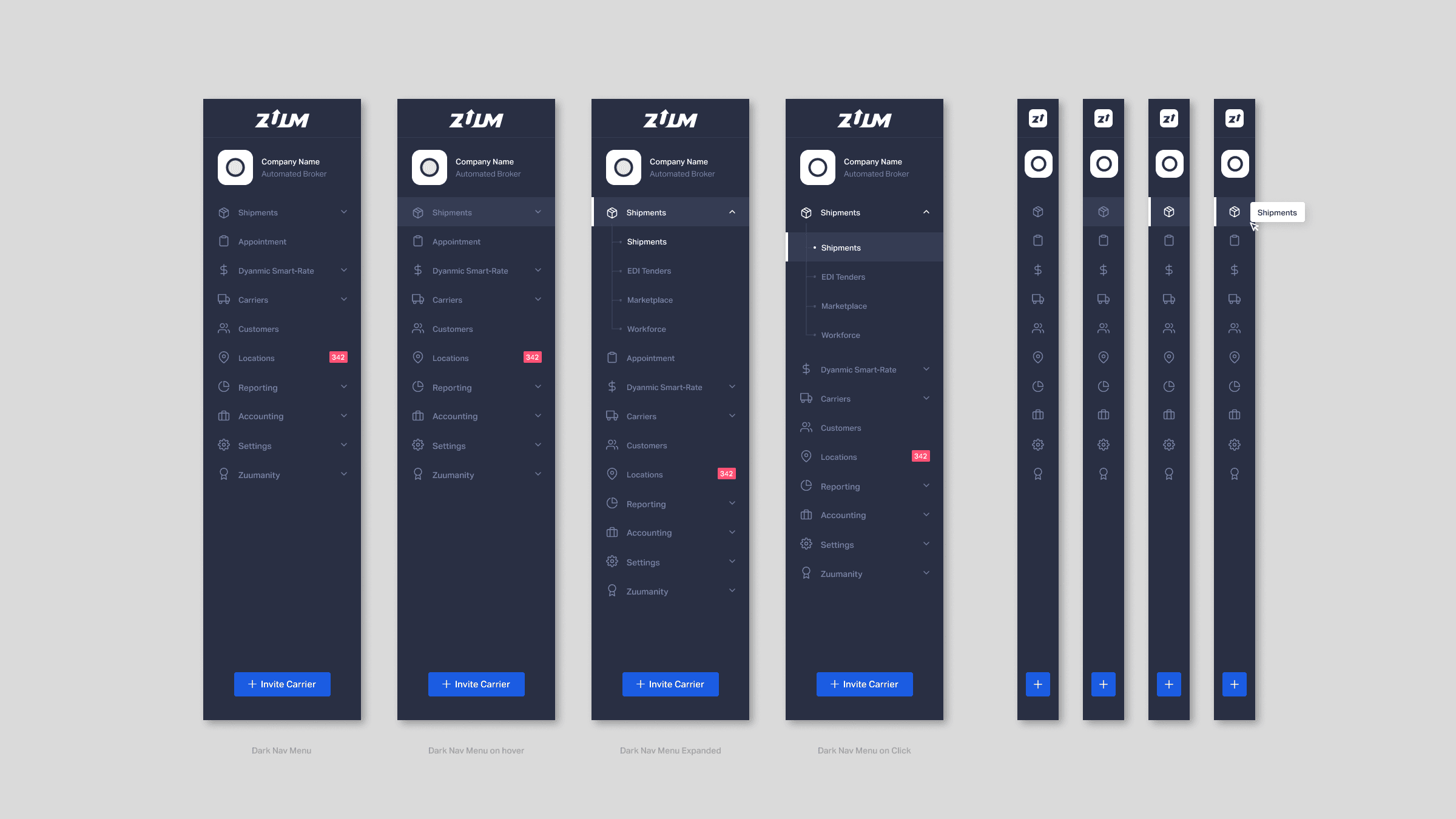
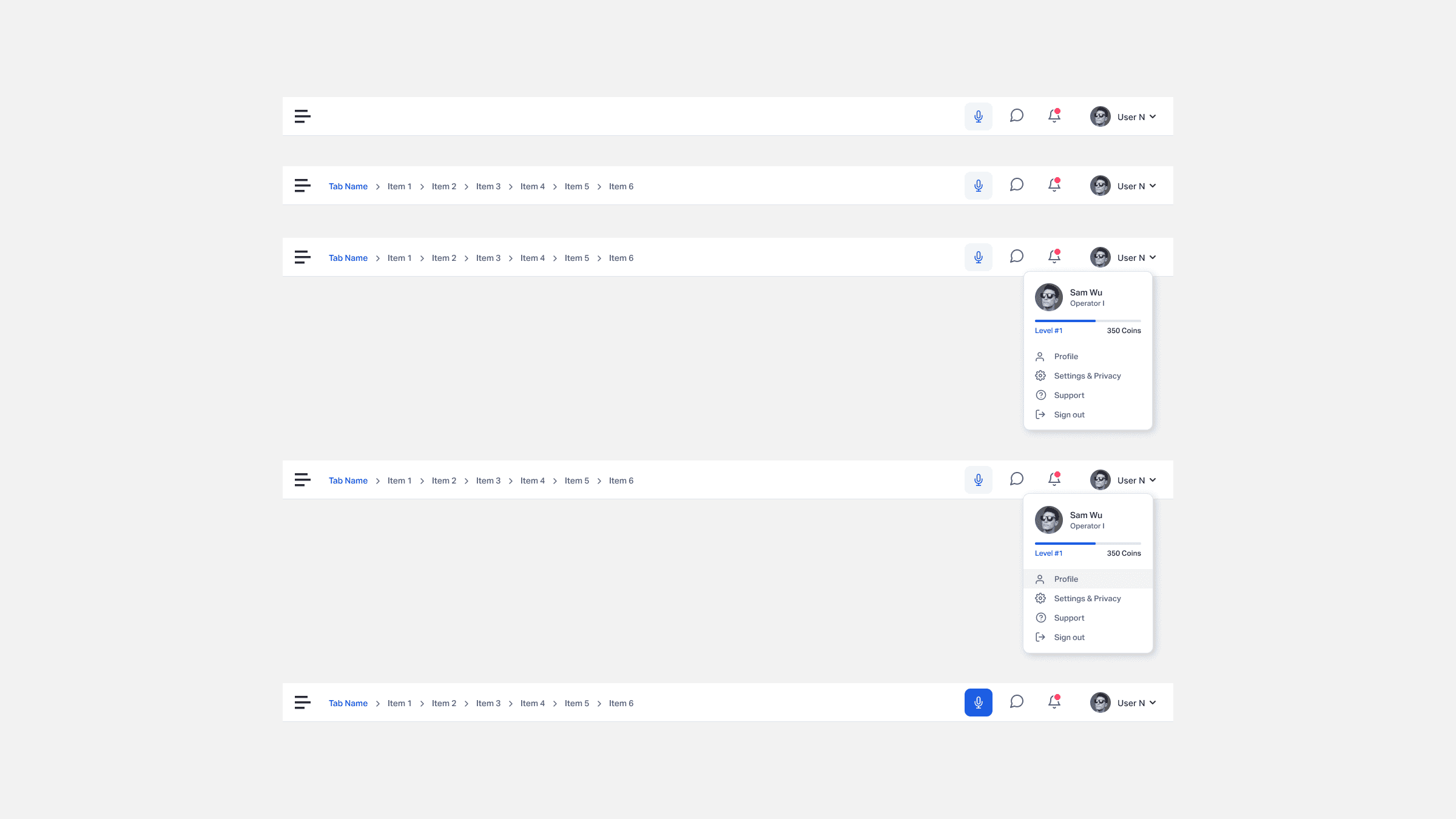
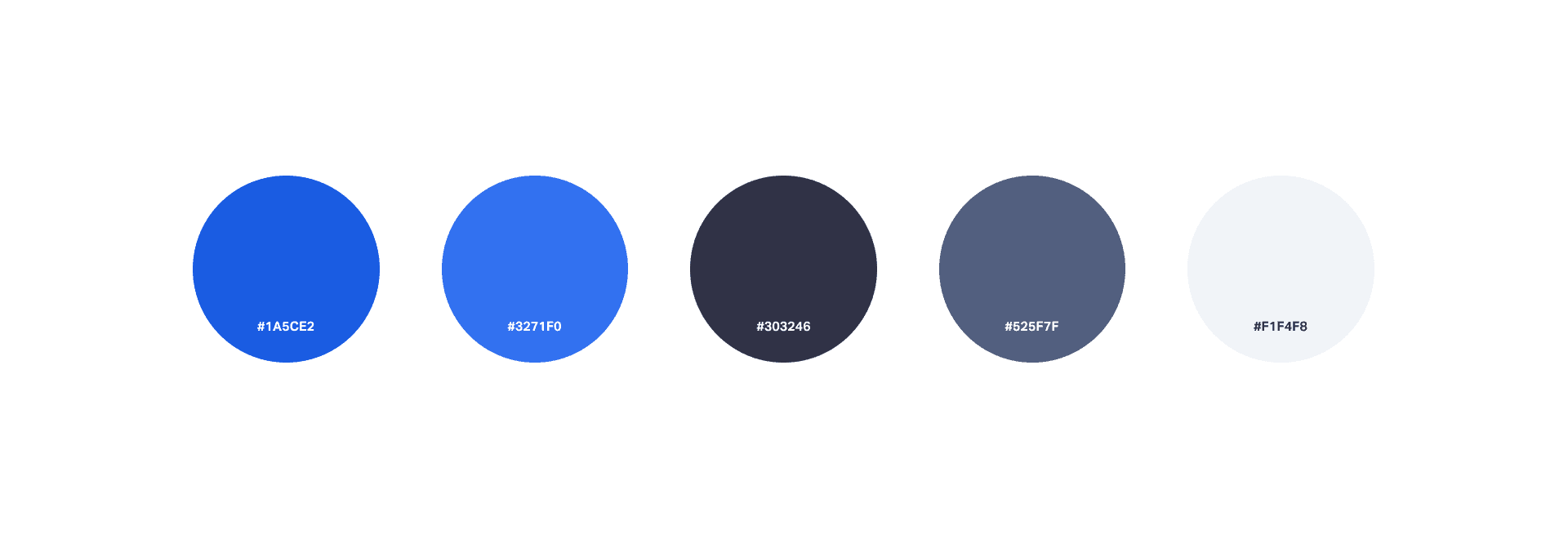
I wanted to strip away the noise and build a tool that actually feels like a partner to the operator. My focus was on: Simplifying the Language: Auditing our shipment stages to group them into intuitive categories, cutting out the redundant fluff that slowed people down. Giving Control Back: Introducing toggles so users can choose what they see, moving from a "one-size-fits-all" view to a personalized workspace. Polishing the Interaction: Adding intentional hover states and refined color palettes to make the system feel responsive and alive. Restoring Order: Bringing everything onto a strict grid to create the visual rhythm and consistency our power users deserve.
I wanted to strip away the noise and build a tool that actually feels like a partner to the operator. My focus was on: Simplifying the Language: Auditing our shipment stages to group them into intuitive categories, cutting out the redundant fluff that slowed people down. Giving Control Back: Introducing toggles so users can choose what they see, moving from a "one-size-fits-all" view to a personalized workspace. Polishing the Interaction: Adding intentional hover states and refined color palettes to make the system feel responsive and alive. Restoring Order: Bringing everything onto a strict grid to create the visual rhythm and consistency our power users deserve.
I wanted to strip away the noise and build a tool that actually feels like a partner to the operator. My focus was on: Simplifying the Language: Auditing our shipment stages to group them into intuitive categories, cutting out the redundant fluff that slowed people down. Giving Control Back: Introducing toggles so users can choose what they see, moving from a "one-size-fits-all" view to a personalized workspace. Polishing the Interaction: Adding intentional hover states and refined color palettes to make the system feel responsive and alive. Restoring Order: Bringing everything onto a strict grid to create the visual rhythm and consistency our power users deserve.
04
Result
By ruthlessly cutting out the clutter, we didn't just make the dashboard prettier, we made it faster. Operators can now identify at-risk shipments in seconds rather than minutes. The feedback has been that the system finally feels "human," allowing the team to focus on solving logistics problems rather than fighting with the software.
By ruthlessly cutting out the clutter, we didn't just make the dashboard prettier, we made it faster. Operators can now identify at-risk shipments in seconds rather than minutes. The feedback has been that the system finally feels "human," allowing the team to focus on solving logistics problems rather than fighting with the software.
By ruthlessly cutting out the clutter, we didn't just make the dashboard prettier, we made it faster. Operators can now identify at-risk shipments in seconds rather than minutes. The feedback has been that the system finally feels "human," allowing the team to focus on solving logistics problems rather than fighting with the software.